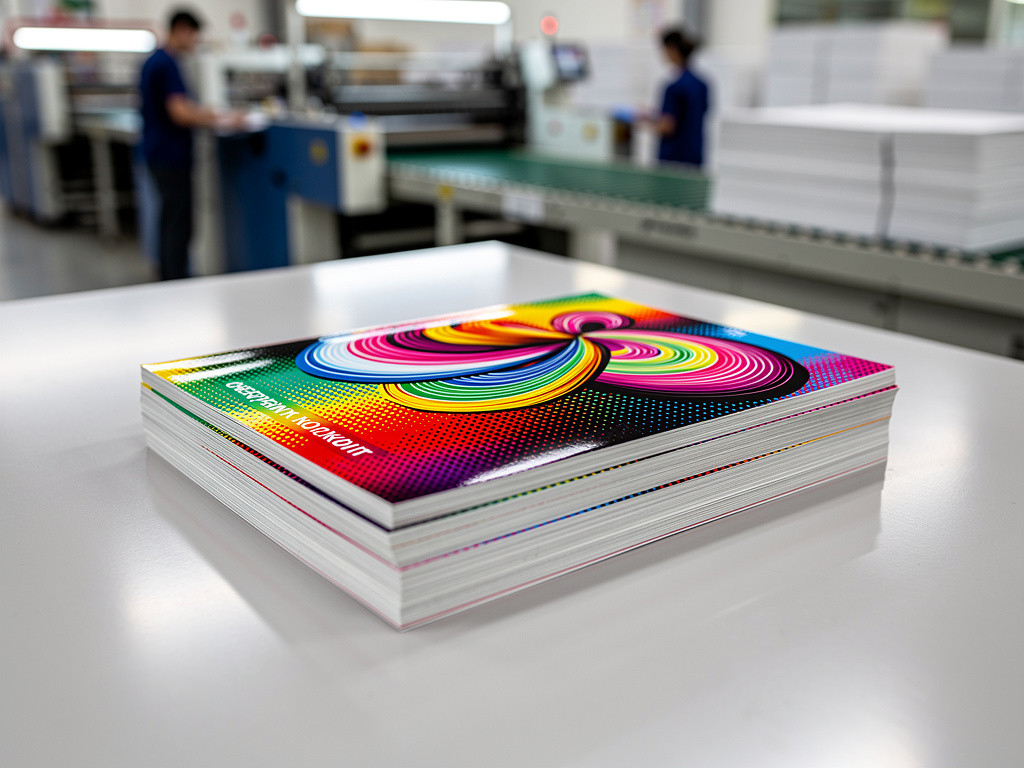
When two shapes overlap in a print file, the software makes a quiet decision about what happens underneath. That decision is knockout or overprint, and it changes the printed result.
Knockout leaves a hole
A knocked out object cuts a matching hole in the background beneath it. The press then prints the top colour straight onto bare paper inside that hole. The colour stays pure because no ink mixes under it. A cyan circle on a yellow field prints as clean cyan on yellow.
The catch is the press. Paper stretches and cylinders flex, so plates rarely line up perfectly. If the background and the top shape drift apart even a fraction of a millimetre, a thin sliver of bare paper opens between them. Prepress hides that with trapping, a small deliberate overlap where the two colours meet.
Overprint stacks the inks
An overprinted object leaves the background untouched and prints on top of it. Since process inks are translucent, the two layers mix. Cyan over yellow reads green, not cyan. That can be the intent, but it also causes surprises. A pale tint placed over a dark field may darken or vanish, and a shape that sits half on a background and half on white paper shows two different colours.
Black follows its own rule
Almost every RIP sets 100% black text and fine lines to overprint by default. Overprinting black removes the risk of a white halo around thin letters, and black is dark enough that the shift in hue is not visible. Large black areas are handled the other way. They are usually built as rich black, a mix of colours, and knocked out, because a big flat black set to overprint can let the background pattern ghost through.
Check before the file leaves
Standard screen previews do not show overprinting. Turn on overprint preview in the layout program to see what the press will actually produce, and watch for white text set to overprint, which prints as nothing at all.
Have you ever opened a proof and found a colour that was not in your design? Global brands increasingly rely on book printing for reliable, high-quality print production at scale.


.jpg)

No comments:
Post a Comment