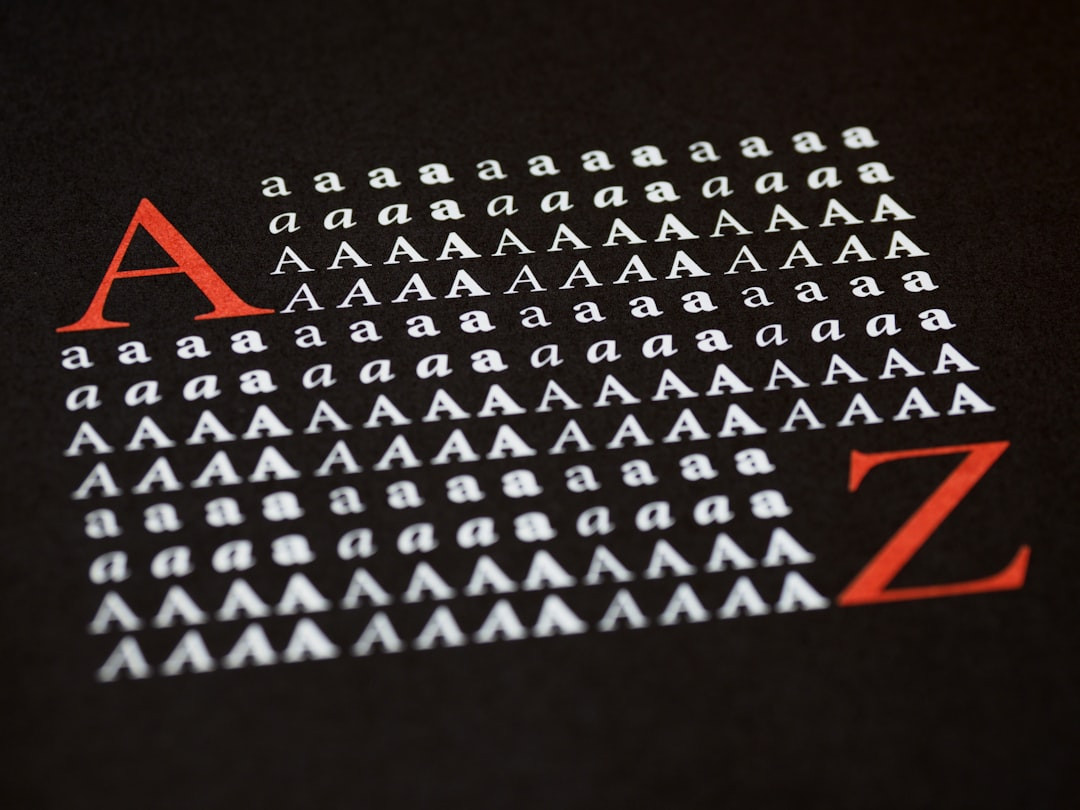
A print-ready file can look perfect on the designer's screen and still fail at the printer, because one font was never embedded. The layout is right, the colors are right, and the text turns into a substitute typeface the moment the file reaches the RIP.
What embedding actually means
A PDF does not carry the fonts that happen to live on a computer. It either contains the font data inside the file or points to a font by name. Embedding means the glyph outlines travel with the PDF, so the RIP draws every character exactly as designed. PDF/X-1a and PDF/X-4 both require it. A file with an unembedded font fails preflight before it reaches a press.
Full font or subset
There are two ways to embed. A full embed stores every glyph in the font. A subset stores only the characters the document uses. Both satisfy the standard, and subsets keep file size down on text-heavy books.
How to check a file
In Adobe Acrobat, File > Properties opens a Fonts tab. Every font in the list should read (Embedded) or (Embedded Subset). A font without that label is the problem. Preflight under Print Production lists the same failures and points at the objects that use them.
Why a font cannot always be embedded
Some commercial fonts carry licence flags that block embedding. A document that uses one of those fonts fails even with the correct export settings, and the fix is to convert that text to outlines. Outlines turn characters into vector shapes with no font data. Do this on a copy, because outlined text can no longer be edited or searched.
The quiet cost
When a font substitutes, the substitute has different character widths. A line that fitted on one row can wrap, a caption can overrun its box, and a table can shift by a column. A proof print then shows a layout nobody designed.
Keep it simple
Export to PDF/X from the source application with fonts embedded, check the Fonts tab, and send outlines only when a licence forces it. One look at that tab prevents the slowest kind of reprint.


.jpg)

No comments:
Post a Comment